

This is the trend, substitute options.
How can I improve on stuff from the past or current state.
Owning multiple devices on different operating systems is crucial for my line of duty.
The ability to switch between them and have the software work seamlessly is important.
This holds great value now that time is shortening with ever-growing responsibilities.
Continuing from my earlier blog post with the mindset of limitations/restrictions.
I made the leap to open source software. The situation I was in prompted this decision.
I would recommend it for those who are in a similar position who are willing to spend a little time into research, trails and errors.
Owning two Microsoft devices can be costly. One is a workstation and the other is a laptop.
Both need a total change in hardware and software. This need results in paying in overheads.
I took the opportunity to revamp one of the devices.
I explored the myriad of flavors of Linux distribution.
I tried a few recommended options and found it easy to setup.
Yes, there was a few things that had to be compromised, but has simplified the user experience for me.
Most noticeable thing in Linux is the limited amount of well known applications, due to proprietary reasons since it open source.
But today’s modern world with web applications can somewhat partially fill in the gap.
It won’t fill the same experience as native applications and you will need a data connection, that’s the trade off.
The only thing keeping Linux from becoming mainstream for certain groups is the gamer.
Most games are developed on Windows platform.
But time will evolve and maybe, this state will change in years to come.
This is now my setup…
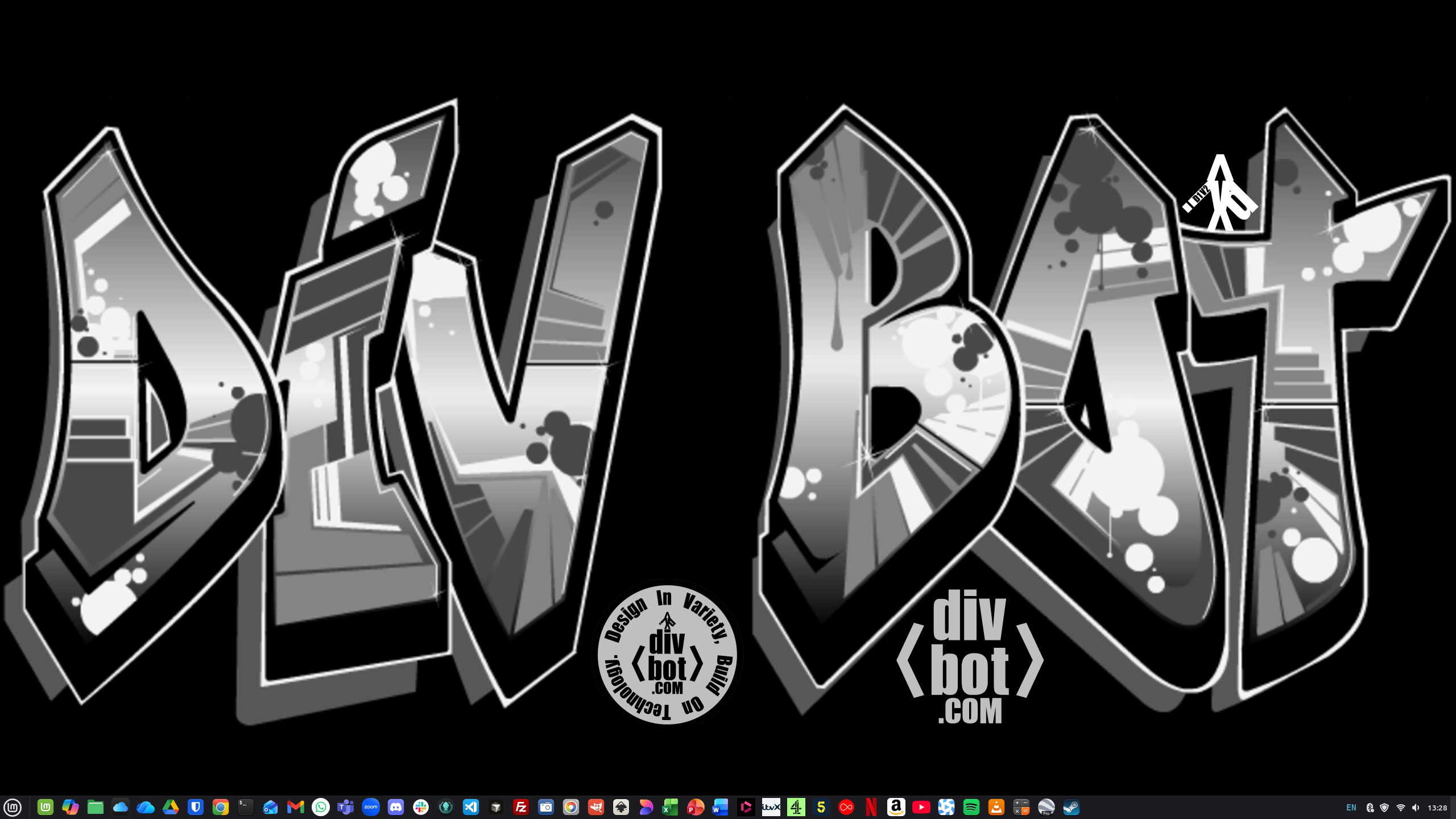
Feel free to add a comment, I’m always open for suggestions in substitute applications.
 Blogs by Diviyesh Patel